


This article reviews how to establish a connection to QuickBooks Online in Accounting Link Online.
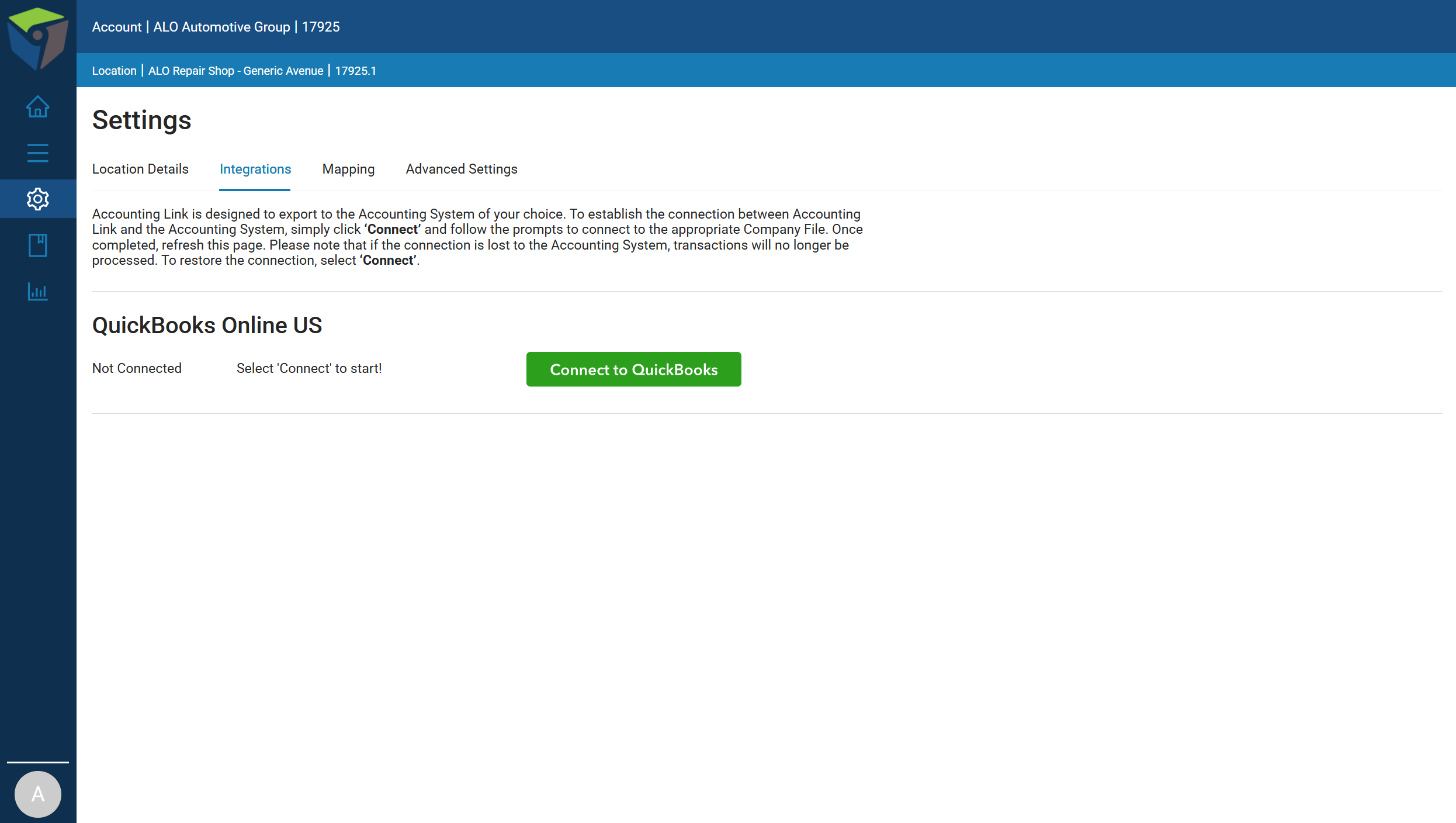
Step 1. Navigate to the Settings tab in Accounting Link Online, then select Integrations.
Step 2. Click Connect to QuickBooks. You’ll be redirected to QuickBooks, where you’ll be prompted to sign in with your QuickBooks username and password.
Step 3. After signing in, select the QuickBooks Company you’d like to connect to Accounting Link, then click Next.
Step 4. Once the connection is established, Accounting Link will display a confirmation message with the name of the QuickBooks Company you connected. Close this page and return to Accounting Link Online.
That’s all there is to it! Accounting Link is now connected to QuickBooks Online, and you’re ready to get started.

